
Nothing to relearn
Same interface and shortcuts you already know, and the official Plugin Hub still works.
Grand opening gift · All Boss Overlays free · free access closes soon
Odin Client · Premium plugins for OSRS
Stop reacting. Start reading the fight. Attack ticks, prayer calls and danger tiles are drawn on your screen before the hit, so the bosses that end your trips start going down clean.
About three minutes, start to first kill.
Free
Boss Overlays for the opening
22
overlay plugins on one key
23
encounters covered today
3 min
from join to first kill
The Odin Client film
Why Odin
Attack ticks, prayer calls, danger tiles and safe tiles, drawn on your screen as the fight unfolds. The hidden part of the fight becomes the visible part.
Incoming attacks, tick counters and danger tiles are drawn on your screen before they land. Stop reacting to the last hit and start playing the next one.
Odin shows what's coming and what to pray against it. Switches go from panic to habit.
Hazards light up on the floor and safe tiles are marked. No more eating damage for standing one tile wrong.
Less guessing means more time on damage. Cleaner kills, longer trips, fewer walks back from Death's office.
Every overlay in one package, one license, one install. Toggle what you want and play.
With the whole fight laid out in front of you, the tension drops. Play longer, tilt less, and actually enjoy the hard stuff.
Plugins Showcase
Every attack tick, prayer call and danger tile, drawn before the hit lands. Pick a boss and see exactly what Odin puts on your screen. The Boss Overlay pack covers every boss here on one key; premium plugins come on their own.

(O) Inferno Helper
INFERNO HELPER
Each Inferno NPC gets its own colour-coded tile and attack-tick counter, so you know who hits next and with what. The overlay shows the right protection prayer by NPC and lays out the hit schedule.
READ THE WAVE · PRAY RIGHT · CAPE UP
Coming soon. Watch the Discord for the premiere.
(O) Inferno Overlay
Overlay free for the opening · the Helper is paid · plans in the Discord store
(O) Fight Cave Helper
Attack ticks and style tiles on every monster, a wave panel that shows what spawns where, and a clear Jad prayer call when it counts. The Helper prays for you: 1-tick flicked protection by monster, Jad's prayer on every tell, your DPS prayer, thrall and Death Charge.
(O) Fight Cave Overlay
Overlay free for the opening · the Helper is paid · plans in the Discord store
(O) 6 Jads Helper
A draggable prayer icon and prayer tab squares tell you exactly which protection each incoming attack needs, with a tick counter on every Jad. The Helper switches your protect prayer for the soonest Jad hit and lazy flicks your offensive prayer by the weapon in your hand.
(O) 6 Jads Overlay
Overlay free for the opening · the Helper is paid · plans in the Discord store
(O) Colosseum Prayer
Every enemy from the first wave to Sol Heredit is read for you: who attacks next, with what, and which prayer stops it.
(O) Colosseum Overlay
Overlay free for the opening · the Helper is paid · plans in the Discord store
(O) CoX Helper
The CoX Helper has a section for every boss room and the Great Olm: Tekton's swings, dump specs and sparks, every ice ball, rock, acid spit and crystal on the floor with its ticks, and at Olm the protect prayer for each auto and sphere pressed for you.
(O) CoX Overlay
Overlay free for the opening · the Helper is paid · plans in the Discord store
(O) ToB Overlay
From Maiden to Verzik, the mechanics that wipe teams are drawn on the floor before they land.
(O) ToB Overlay
Boss Overlay pack · free for the opening · plans in the Discord store
(O) ToA Helper
The ToA Helper has a helper for every room: the protect prayer for each attack, your offensive prayer, and the room's dodges and drawings. It works solo and in a team, with any invocations: it reads yours from the party panel in the lobby, so there is nothing to set up.
(O) ToA Overlay
Overlay free for the opening · the Helper is paid · plans in the Discord store
(O) Fractured Archive
A helper for teams of 2 to 5. Protect prayers and your offensive prayer in every room, the moves each boss calls for — the Guardian's bait, Ezekiel's star and swords, Dreadnoth's enrage jumps, Xarth's freezer job, Moia's daggers and cough, the Dagon'hai interrupts and books, and all four Ocellus phases — plus their tiles, counters and a raid log.
(O) Fractured Archive
Boss Overlay pack · free for the opening · plans in the Discord store
(O) Leviathan Helper
Prayer calls, falling rocks and special attack tells are on screen early, so you can keep your hands on damage. The Helper switches your protection with the orbs, holds your DPS prayer, swaps to your enrage gear with an auto spec, and casts Shadow Barrage on one key. Normal and Awakened.
(O) Leviathan Overlay
Overlay free for the opening · the Helper is paid · plans in the Discord store
(O) Whisperer Helper
Tentacles, leeches, bind and pillars are all drawn for you, with a prayer banner that keeps up with every switch. The Helper prays for you and uses the Blackstone fragment on every special; you dodge and attack. Normal and Awakened.
(O) Whisperer Overlay
Overlay free for the opening · the Helper is paid · plans in the Discord store
(O) Vardorvis Helper
Every axe gets a glowing path with its hit ticks, green when it is coming for you. Spikes count down on their tiles, head shots carry their own counter, and the prayer banner keeps up with every switch. The Helper protects for you, holds your DPS prayer, casts your thrall and Death Charge, and clicks the strangle spores. Normal and Awakened.
(O) Vardorvis Overlay
Overlay free for the opening · the Helper is paid · plans in the Discord store
(O) Duke Helper
Every vent counts down on the floor, icicle tiles light up before the slam, and the gaze, gas bursts and the Orb of Darkness are called the moment they come. The helper flicks Magic for his shot and attacks again the moment you are clear. Normal and Awakened, recognised by itself.
(O) Duke Overlay
Overlay free for the opening · the Helper is paid · plans in the Discord store
(O) Zulrah Helper
The phase panel tracks the rotation and tells you where Zulrah surfaces next and where to stand. Snakelings, clouds and hazards are drawn so you can keep your eyes on damage.
(O) Zulrah Overlay
Overlay free for the opening · the Helper is paid · plans in the Discord store
(O) Phosani Helper
Her attack style and the ticks to the hit sit over her head, and the prayer tab shows the protection to click, even the shuffled one while you are cursed. Claws, parasites, spores, husks, sleepwalkers, totems and surges are drawn for both The Nightmare and Phosani's Nightmare. The Phosani Helper prays for you: instant protection, Redemption in the kill phase and your DPS prayer, with the parasite cure drunk for you.
(O) Nightmare Overlay
Overlay free for the opening · the Helper is paid · plans in the Discord store
(O) Corp Overlay
Dark energy core tiles and stomp AoE, so the team keeps its damage up.
(O) Corp Overlay
Boss Overlay pack · free for the opening · plans in the Discord store
(O) Corp Drainer
The Corp Drainer specs the Corporeal Beast on house trips until each drain reaches its count: your Elder maul or Dragon warhammer on its Defence, then Emberlight, Arclight or Darklight, then the Bandos godsword for its Magic, each in its own gear set. Between trips it teleports home, drinks your boosts, uses the ornate pool and takes the jewellery box back to Corp. When the specs are done it waits at the lobby, tells you, and stops: the kill is yours.
(O) Corp Drainer
Helper only · not in the free Overlay offer · plans in the Discord store
(O) Doom Helper
Acid, rocks, car slams and grubs are all drawn and ticked, with a prayer icon that flashes if you are on the wrong one.
(O) Doom Overlay
Overlay free for the opening · the Helper is paid · plans in the Discord store
(O) Maggot King Helper
The protect for his style is shown the moment his attack starts, and crossed out while he screeches so no prayer is left on to drain you. Carrion shadows and bile land on marked tiles with countdowns, every slam shows its punish tile, and the Helper shoots each flying larva with your bow, then puts your gear back.
(O) Maggot King Overlay
Overlay free for the opening · the Helper is paid · plans in the Discord store
(O) Yama Helper
You move, attack and switch gear yourself while the Helper prays against every one of Yama's attacks in all three phases, holds the offensive prayer for your weapon, and keeps your thrall, Mark of Darkness, Death Charge and heart up. Ground fire, waves, void flares, meteors, glyphs and the Judge's fire are drawn with the ticks until they hit, and in phase 3 every fire tile is marked with the nearest safe tile in green.
(O) Yama Overlay
Overlay free for the opening · the Helper is paid · plans in the Discord store
(O) Yama Sigil Helper
The Sigil Helper plays the whole contract: it attacks Yama, steps onto the glyphs, dodges the waves and fire, kills the flares, uses your specs, jumps the Judge's stones and swaps your gear on his prayer, and eats and drinks at your Supplies levels. Every contract gets its own answer, and phase 3 runs on full auto on the route you pick.
(O) Yama Sigil Helper
Helper only · not in the free Overlay offer · plans in the Discord store
(O) Demonic Gorillas Helper
The Demonic Gorillas Helper keeps your protect prayer on the gorilla's style and, when it changes, steps you back so its walk shows the next one. When it prays against your weapon it puts on another of your sets and attacks again, and it steps you off every boulder. Under each gorilla the overlay shows the prayer for its next attack, the attacks left before it changes, and the ticks to its attack.
(O) Demonic Gorillas Overlay
Overlay free for the opening · the Helper is paid · plans in the Discord store
(O) Tormented Demons Helper
The Tormented Demons Helper keeps your protect prayer ahead of the demon's attack and your attack prayer on the weapon in your hand. When the demon prays against you it puts on another of your sets and attacks again, uses your punish weapon on the dropped shield, and steps you off the fire bombs.
(O) Tormented Demons Helper
Helper only · not in the free Overlay offer · plans in the Discord store
(O) Pete Kayer Helper
Pete Kayer's Challenges is the PvP school at Ferox Enclave: prayer protection, freezes, special attacks, gear switching, combo eating, then Pete himself twice, with the ancient fabric for the imbued ancient cape on the line. The helper plays every one of them for you, start to finish. Sit down, press go, collect the cape.
(O) Pete Kayer Helper
Premium plugin, its own standalone key · plans in the Discord store
(O) Gear Swapper
Save up to five gear setups and give each one a hotkey. Press it and the whole setup goes on at once, with your attack prayer turned on too if you want it.
(O) Gear Swapper
(O)Utility plugin, on the one (O)Utility key · plans in the Discord store
(O) Lifeguard
Press one key, or let it fire by itself when your HP drops low in a fight, and Lifeguard teleports you out with the best teleport you have. If no teleport works, it eats instead.
(O) Lifeguard
(O)Utility plugin, on the one (O)Utility key · plans in the Discord store
(O) Escape
Made for the Wilderness. When a player who can attack you shows up, Escape hops you to a quiet world or logs you out. If someone attacks you, it teleports you out.
(O) Escape
(O)Utility plugin, on the one (O)Utility key · plans in the Discord store
(O) Survival
Survival eats, drinks your potions and keeps your buffs up by the rules you set, so you can watch the fight instead of your HP and prayer. It stays out of fights an Odin boss plugin already handles.
(O) Survival
(O)Utility plugin, on the one (O)Utility key · plans in the Discord store
(O) Bank Loadouts
Save your gear and inventory as a setup. Open a bank, load it, and Bank Loadouts deposits what you do not need, takes out only what is missing, puts your gear on and fills your rune pouch the right way.
(O) Bank Loadouts
(O)Utility plugin, on the one (O)Utility key · plans in the Discord store
(O) One Click
Pick a method and each click you make does its next step, so you never have to think about what comes next. You still do the clicking, at your own pace.
(O) One Click
(O)Utility plugin, on the one (O)Utility key · plans in the Discord store
(O) Wildy Scouter
Wilderness PKer scouting that reports straight to your Discord, with the clans and players you hunt on a list.
(O) Wildy Scouter
Premium plugin, its own key · 3-day trial · plans in the Discord store
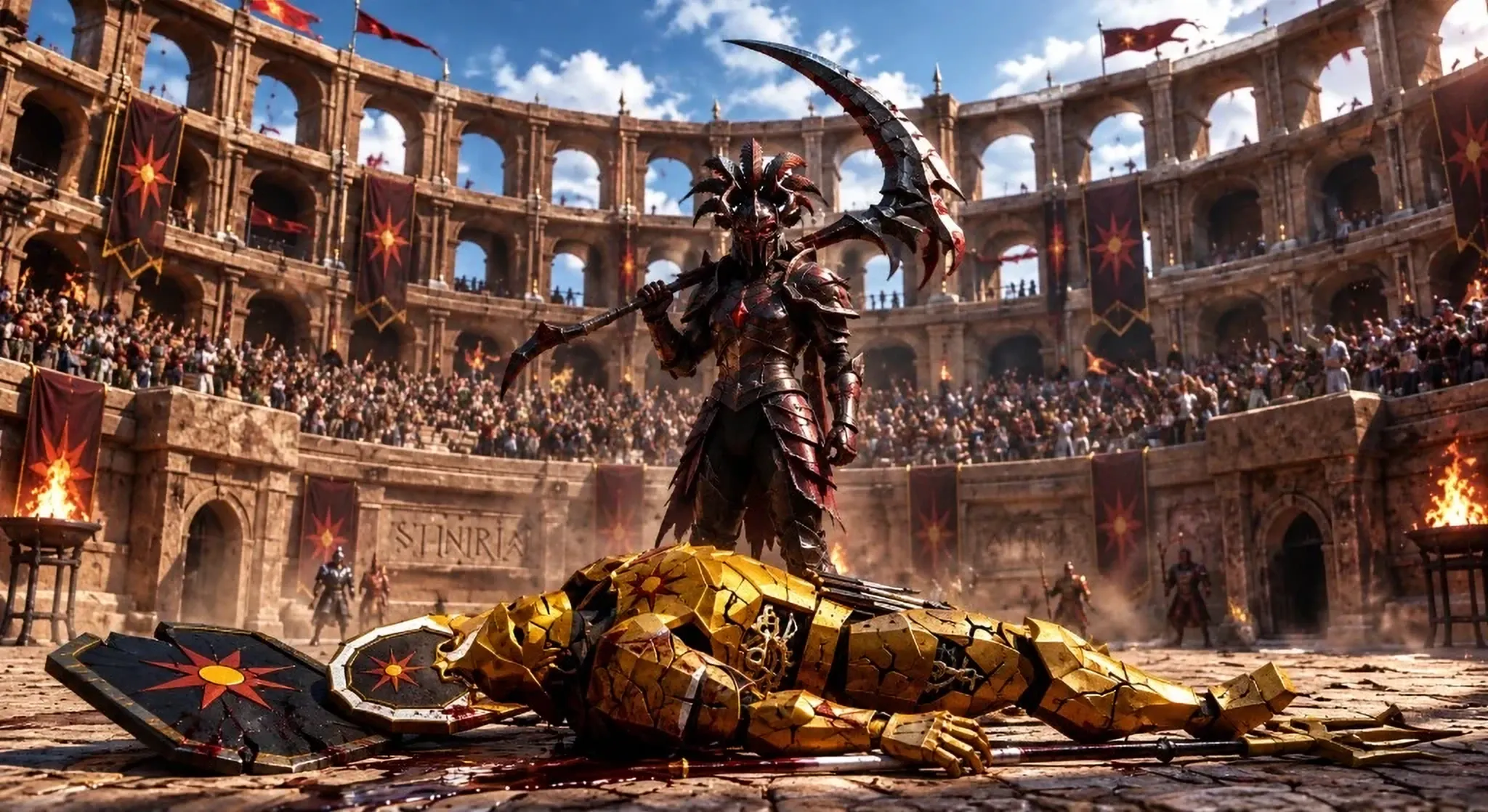
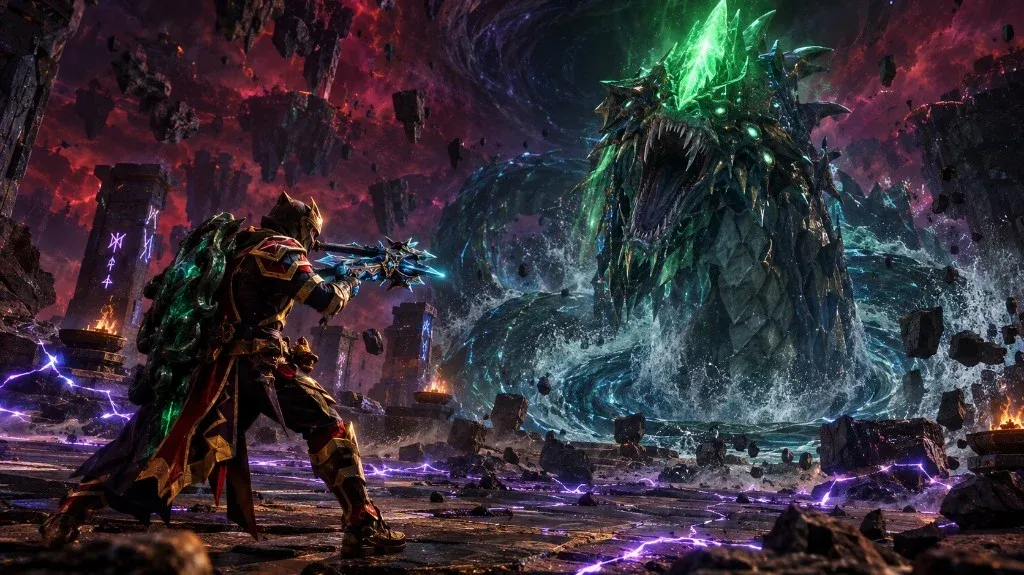
Illustrations show the kind of information each plugin draws. They are not game screenshots.
The client
Odin is the client you already know how to use, with the fight read for you on top. Install once, log in, and it stays current on its own.
Same interface and shortcuts you already know, and the official Plugin Hub still works.
Odin lives in its own folder and never replaces the client you use now. Keep both.
Install once. The built-in updater keeps the client and your plugins current every time you launch.
Plugins come from Odin's signed catalog, so the client only loads genuine builds.
Jagex account login is free for every Odin player. No license needed.
Your license is tied to your Discord. Renew or upgrade and the same key just gets more time.
The deal
For the opening, the whole Boss Overlay pack is free with one shared key from the Discord, not a cut-down version. Free access closes soon. If the fight did not get easier to read, do not buy. If it did, you already know what you are paying for. Premium plugins are licensed separately, each with its own key and its own trial terms.
Get the free Boss Overlay key(opens Discord in a new tab)The community
The download, your free opening key, the store, your keys and support all start in one place. Join first, and everything else is a button away.
Boss Overlays free for the opening
One free key for everyone, posted in the Discord. Free access closes soon.
Official download
The Download Client button in #welcome always gets the newest build.
Store and checkout
Pick a plan, pay with crypto or OSRS GP, get your key.
Real support
Private tickets for payments and accounts, plus HWID resets.
Updates first
Announcements and changelogs land in Discord before anywhere else.
From zero to playing
Join the Discord
Accept the terms in #welcome.
Download Odin
Download Client button in #welcome.
Get your license
Free opening key or buy in the store.
Log in with JL Login
Free for every player.
Enable (O)Package
Toggle the plugins you want.
FAQ
The questions players ask before they buy. Anything else, ask in Discord.
You can, and the Hub works inside Odin too. The Hub's rules keep its plugins to markers and timers. Odin's Overlays add the attack tick on every NPC, the prayer to use against each attack and the safe tiles before the hit lands, and the Helpers switch the prayer for you. That is the part the Hub cannot ship.
An Overlay draws: tiles, tick counters, prayer cues, hazards. You make every input. A Helper does everything the Overlay does and also acts in the fight, for example switching your protection prayer when the attack comes. Each plugin's card says which it is.
Odin keeps up with game updates and the client updates itself on launch. Every release is posted in #announcements in the Discord, so you can see the actual cadence there rather than take a promise.
About three minutes. Join the Discord, press Download Client in #welcome, grab the free opening key from the Discord, install, paste the key in (O)din License, toggle the plugins. Your settings and Plugin Hub plugins still work.
Every Boss Overlay listed under the offer, with one shared key posted in the Discord. Free access closes soon. The Helpers are not part of it. Premium plugins, such as Wildy Scouter, are sold on their own standalone keys and have their own trial terms, arranged in Discord.
In our Discord. Use the Download Client button in #welcome or the /download command. It always gives you the newest official installer. Don't use downloads from anywhere else.
Windows 10 or 11, about 50 MB of space, and Temurin JDK 11. The download message in Discord has one-click JDK 11 buttons and the exact install steps.
No. Odin installs into its own folder and never replaces the client you use now. The official Plugin Hub works inside Odin too.
Yes. For the opening every Boss Overlay is free: grab the shared key in the Discord and paste it in (O)din License. Free access closes soon. Wildy Scouter has its own 3-day trial.
Crypto or OSRS GP, both from the Discord store. Crypto opens a checkout page; USDT (TRC20) is recommended and network fees are added at checkout. GP opens a private ticket with staff.
Open (O)din License from the Configuration menu, paste your key and press Activate. Keys are bound to your Discord and your PC.
Request a HWID reset with the button in #hwid-resets. Staff review it. Never post your key or HWID in public chat.
Sales are final once your license is delivered, so use the free Boss Overlays first. Licenses are personal and for one PC. Contact support before opening any payment dispute.
We won't promise that. Third-party clients carry risk, and no client can guarantee you won't be banned. You use Odin at your own risk. Read the terms in #welcome and decide for yourself.
Join, grab the client and the free opening key. Every Boss Overlay is free while we open, and free access closes soon.
About three minutes, start to first kill.